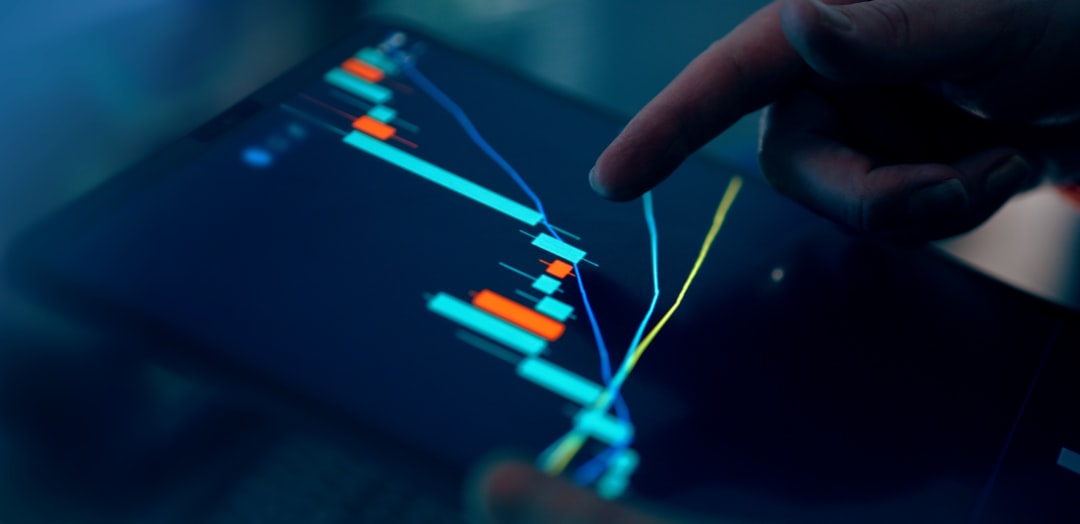
Some of the most significant shifts in how professionals work happen quietly. No dramatic announcement—just a gradual realization that the old way of doing things is no longer necessary. Browser-based trading is one of those shifts. MetaTrader WebTrader has made it possible to trade at a professional level without being anchored to a specific machine, and for many traders, that change has been quietly transformative.
What Problems Does MetaTrader WebTrader Solve for Traders?
The platform solves a specific and practical problem: access. Traders who rely on a desktop installation are, by definition, limited to that device. A technical failure, a change of location, or simply the need to check a position while away from the office can all create gaps in oversight.
The web platform eliminates those gaps. Because it runs through a browser, it is available on any internet-connected device without prior setup. Traders maintain full access to their accounts, their positions, and their analytical tools wherever they happen to be—consistently and without workarounds.
How Does the Web Platform Compare to the Desktop Version in Terms of Functionality?
The web version covers the core trading and analytical functions that active traders use daily. Charting tools, technical indicators, real-time price feeds, order management, and account reporting are all present and fully operational.
The desktop version offers deeper customization—particularly around custom indicators, automated trading scripts, and interface configuration. For traders who rely on specialized tools or algorithmic strategies, the desktop build remains the more feature-complete option. For day-to-day trading, position management, and on-the-go analysis, the web platform handles the workload without notable compromise.
How Do You Get Started with MetaTrader WebTrader?
Getting started requires only a funded account with a broker that supports the platform. No installation is involved. Your broker will provide a web portal address, and once you log in with your account credentials, the trading environment loads directly in the browser.
The interface is organized intuitively. Charts are accessible from the main workspace, the order panel is straightforward to navigate, and account information is displayed clearly. New users typically find their footing quickly, particularly if they have prior experience with browser-based financial platforms.
Can the Platform Be Used on Mobile Devices?
The web platform is accessible through mobile browsers, though the experience is optimized for larger screens. On a tablet, the interface functions well and supports the core trading workflow effectively. On a smartphone, certain elements of the layout may require adjustment, and dedicated mobile applications may offer a more refined experience for smaller screens.
For traders who need full analytical capability on the go, accessing the web platform via a tablet provides a practical balance between portability and functionality.
What Should Traders Know About Network Requirements?
A stable connection is the primary technical requirement. The platform handles real-time data streams and order processing continuously, both of which benefit from consistent connectivity. A reliable broadband or mobile data connection is sufficient for routine trading activity.
During high-impact market events—such as major economic data releases—network stability becomes more critical. Traders who regularly operate during these periods should prioritize connection quality to ensure that execution reflects their intentions accurately.
How Does Browser-Based Trading Fit Into a Professional Trading Routine?
For many professionals, the web platform functions as a complement to the desktop environment rather than a replacement. It provides continuity when the primary setup is unavailable and serves as a convenient monitoring tool during periods of travel or remote work.
Over time, some traders find that the web platform meets their needs so consistently that it becomes their default environment. The reduced complexity—no updates to manage, no local files to maintain—can simplify the technical side of a trading routine considerably.
Your Account, Your Schedule
MetaTrader WebTrader gives traders something that desktop-only platforms cannot: genuine independence from location. The platform is professional in its capabilities, practical in its design, and accessible in the truest sense of the word.
For traders who want to stay connected to their markets without being tied to a single machine, it offers exactly what modern trading demands—reliability, depth, and freedom.